EdiX documentation
EdiX turns your Kick chat into a game. Add interactive overlays to OBS, run polls, trivia and giveaways, reward viewers with points, and hand out real Kick VIP badges — all from one dashboard. These guides get you from sign-up to live in a few minutes.
boltQuickstart
- Create your account at edix.online/signup (or continue with Kick), then set your channel slug in Settings → Connection.
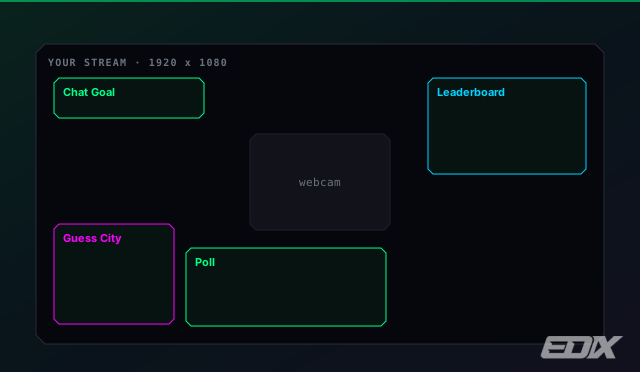
- Add the overlay to OBS. Copy the All-in-One overlay link from Settings → Overlays and paste it into a new OBS Browser Source (1920×1080). Keep that link private.
- Start a game. Type a mod command in your chat — e.g.
!epoll Best map? | Dust2 | Mirage— and watch it appear on stream.
info
New here? Read Getting started next. Hunting a specific command? Jump to the Mod commands reference.
menu_bookWhat's inside
- Getting started — account, channel connection, first overlay.
- Add overlays to OBS — browser sources, All-in-One, secure links.
- Games & overlays — the full catalog with sizes and commands.
- Chat games — a full entry for each game your chat plays.
- Guess games — city, flag, Pokémon and famous faces.
- Boards & shop — leaderboards, VIP standings, the points shop.
- Stream widgets — goals, hype, timer, sponsor banner, all-in-one.
- Points & levels — how viewers earn, spend, and level up.
- Points shop — rewards, including timed real VIP.
- Real Kick VIP — the browser extension.
- Mod commands — the full
!e…cheat-sheet. - Plans & billing — Free, Pro, Team, and payment options.
- Troubleshooting — fixes for the common snags.